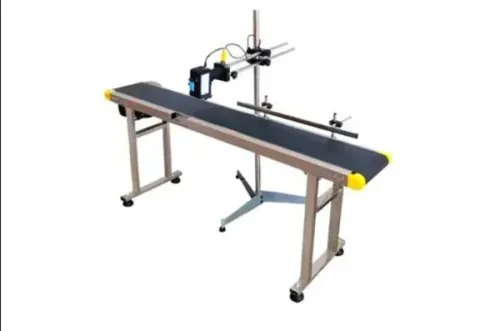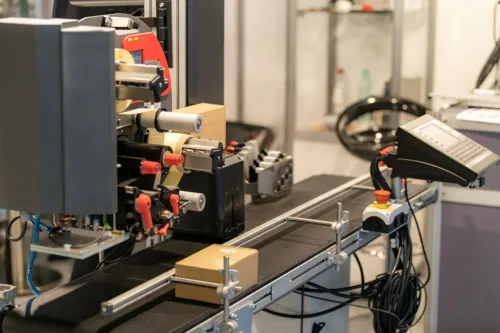
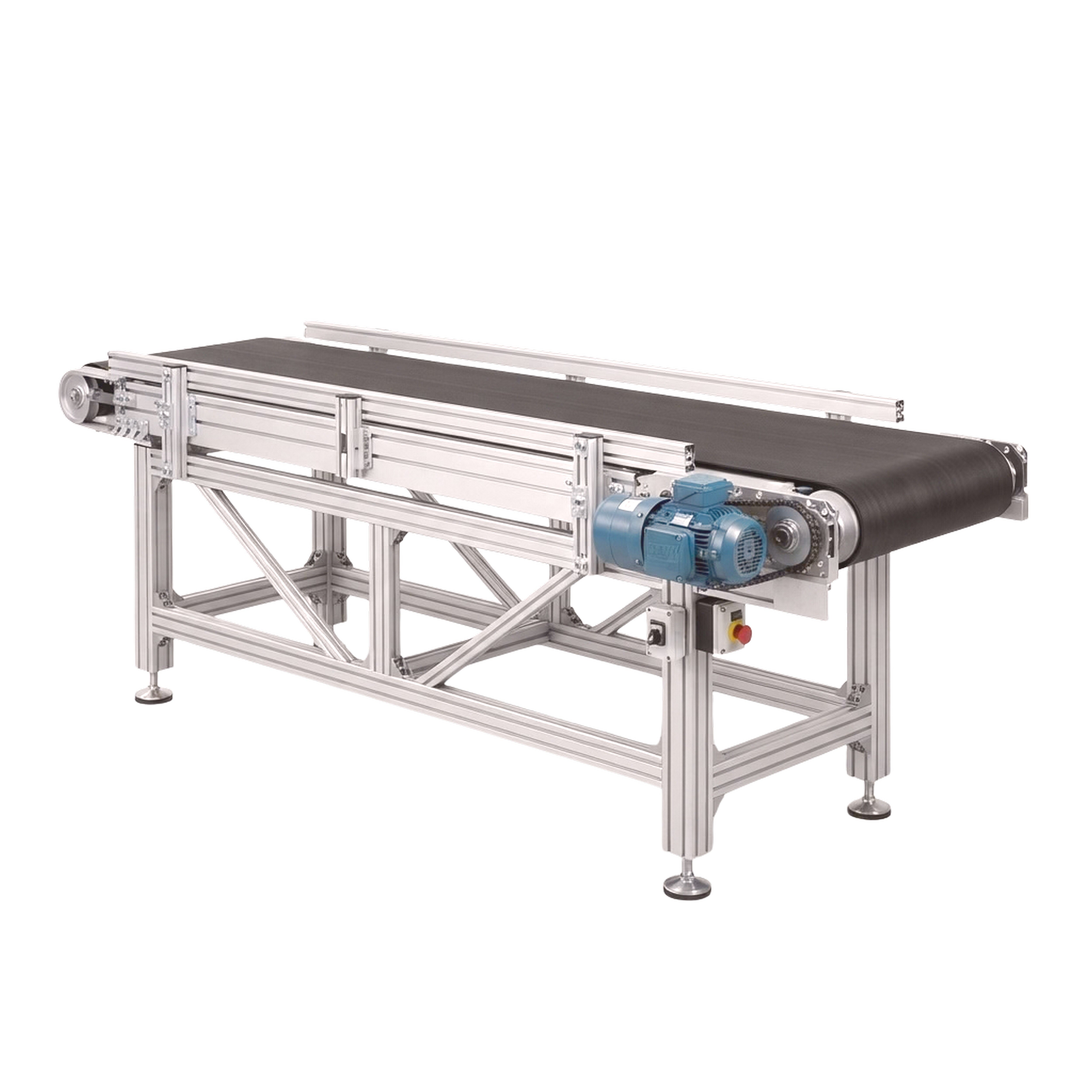
A newly installed stacker can move product correctly while still producing missing, misplaced, duplicated, or incorrect batch codes. You will be able to separate conveyor, coder, trigger, and data faults; verify the installation with measured evidence; and define the records and acceptance tests needed before production release.
Key takeaways
- Classify faults as transport, marking, or code association before replacing parts.
- Use encoder and trigger tests to separate conveyor registration faults from coder faults.
- Check product movement, mounting, vibration, and conditions at every operating position.
- Require test runs, approved samples, and timing records before accepting commissioning.
Classify the failure before changing the printer
Classify the fault before replacing a printhead: transport, marking, or code association. Transport means the conveyor moves product incorrectly; marking means the coder creates an unreadable or incorrect mark; association means the trigger and encoder assign the right code to the wrong product.
- Stop changing printer parts and record the complaint, stacker position, product orientation, active job ID, and time.
- Watch the product and photocell together. Record photocell state, trigger count, coder-ready signal, product gaps, encoder pulses, and coder alarms.
- Confirm the active job against the product identifier, lot number, timestamp, operator, and changeover record. A sharp-looking mark can still carry the wrong lot number.
- Compare belt speed and print timing with measured encoder travel, not VFD frequency alone. Preserve these records to build a fault history for recurring stacker conveyor problems in Greater Noida.
| Symptom | Likely class and cause | Check first |
|---|---|---|
| Missing batch codes | Association: photocell state, trigger count, coder readiness, or product gaps | Compare sensor transitions with products |
| Blurred or duplicated codes | Marking: printhead stand-off, vibration, ink or solvent condition, focus, or belt speed | Inspect mounting, fluid condition, focus, and speed |
| Incorrect code position | Transport or association: belt slip, spacing, encoder, or trigger delay | Compare encoder distance with actual travel |
| Skipped products | Association: missed photocell trigger or coder not ready | Match product count to trigger count |
| Unreadable characters | Marking: contamination, poor focus, fluid condition, or excessive speed | Inspect the printhead and print settings |
| Rejected prints | Marking or association: quality threshold, wrong job, or bad timing | Review reject reason and active job |
| Code on wrong face | Association: product orientation or sensor placement | Observe rotation and reposition the sensor |
Prove whether the conveyor or coder is losing registration
Run the stacker empty and loaded, then compare the same time-stamped records. Log product spacing, actual belt travel, belt speed, encoder pulses, photocell transitions, PLC trigger state, trigger count, coder fault history, motor current, and active batch-job ID.
- Measure belt travel at the conveying surface, not only from the motor-shaft encoder. Under load, a slipping drive pulley can delay the product while the encoder reports normal distance.
- Check photocell alignment, mounting distance from the transfer point, reflected light, dust, partial product occlusion, and false transitions.
- Match print delay and print speed to measured belt speed, not VFD frequency alone. Inspect acceleration and deceleration ramps because changing gaps during stacking or destacking create duplicate or skipped triggers.
| Symptom | Evidence to compare | Likely fault |
|---|---|---|
| Missing code | Photocell transition, trigger count, coder-ready state | Sensor, trigger, or coder fault |
| Duplicated code | Two transitions for one product | Vibration, reflected light, or occlusion |
| Wrong position | Encoder distance versus belt travel | Slip, speed change, or delay setting |
| Skipped product | Product gap, PLC trigger, coder history | Spacing or readiness fault |
| Blurred or unreadable mark | Speed, stand-off, vibration, ink condition | Printhead or transport fault |
| Rejected print | Active job ID and code content | Recipe or batch association fault |
| Wrong face | Product orientation and sensor location | Mechanical presentation fault |
For recurring coding batch conveyor issues, repeat stacker conveyor troubleshooting at every boom angle, extension, and transfer height. Check printhead stand-off, photoeye position, encoder coupling, and cable loops in each position. Time-correlated evidence separates a coder fault from mechanical registration loss.
Inspect movement, mounting, and site conditions at every operating position
1. Start with the load and cleanliness, not the tail pulley. Check off-centre loading, accumulation pressure, belt tracking, seized idlers, roller condition, pulley buildup, unequal belt tension, frame alignment, and bent structures. Repeated tail-pulley adjustment will not cure these causes and can worsen tracking.
2. At every boom angle, extension, and transfer height, inspect loose printer and sensor brackets, vibration, cable routing and loops, encoder-coupling slip, printhead stand-off, product orientation, and actual belt travel. Confirm the encoder measures the conveying surface, not only a motor shaft. Compare loaded belt movement with encoder distance.
3. Record supply voltage, compressed-air pressure and quality, enclosure temperature, humidity, dust level, and ink or solvent condition. Clean photoeyes, cooling filters, inkjet nozzles, and exposed connections as specified. For continuous-inkjet equipment, check viscosity, solvent loss, nozzle contamination, and makeup-fluid management. For laser equipment, check focus, marking-field alignment, extraction, and surface contrast.
4. Inspect the enclosure against IEC 60529 IP classifications, then check condensation and cable-gland installation; an IP rating prevents neither. Dust can contaminate sensors, couplings, filters, and nozzles, while humidity can reduce ink adhesion and corrode connections.
5. Record the fault during stacker conveyor troubleshooting, including whether the product arrives late, shifts face, or compresses against the next product. Trace the physical cause before changing print delay, sensor position, or pulley alignment. Note the operating position where it occurs.
Verify the batch job and lock the timing parameters
Confirm the selected coder job against the approved product record before releasing the stacker. A visually clean mark still fails if it carries the wrong lot.
| Approved record | Selected job must match |
|---|---|
| Product name | Exact product description and identifier |
| Batch or lot number | Validated at job selection |
| Manufacturing date | Correct format and date |
| Expiry date | Correct format and date |
| Line speed | Permitted operating range |
| Print location | Specified face and distance from edge |
| Character height | Approved value |
| Code format | Required text, separators, and order |
Record the active code with its timestamp, product identifier, operator, and changeover reference. This creates traceability for stacker conveyor coding batch problems in Greater Noida and recurring coding batch conveyor issues.
Measure product arrival at the photocell, count encoder pulses to the print point, and calculate trigger delay from actual conveyor speed. Recheck the setting at minimum, nominal, and maximum permitted speed. If the mark moves, investigate changing gaps at the stack or destack transfer, VFD ramping, belt slip, and product rotation before increasing delay.
Define the permitted speed range and lock the matching encoder scale, print delay, and recipe parameters. Name the parameter owner, restrict passwords to authorised personnel, and require documented change control plus a verification print after every recipe or batch-code change.
Use the designed stop and isolation procedure for routine batch changes. Reserve the emergency stop for a hazard; using it for production stops can lose job state and leave partially coded product unreconciled.
Demand commissioning evidence before accepting the installation
Do not release the coding-enabled stacker to production until the installer has supplied a signed handover file and passed witnessed acceptance tests. This evidence turns recurring Greater Noida stacker conveyor problems into traceable stacker conveyor troubleshooting.
1. Request the approved layout, electrical drawings, PLC and HMI backups, printer settings, encoder specification, sensor part numbers, spare-parts list, risk-assessment records, and acceptance-test results. If Sunrise Conveyors handles handover, name these records as contractual deliverables.
2. Run the test at minimum, nominal, and maximum permitted speed, with the conveyor empty and loaded. Repeat it at every normal boom or transfer position, through planned batch changes, after a power interruption and restart, and with deliberately introduced sensor and encoder faults.
3. Record the code content, position, readability, reject behaviour, trigger counts, recovery time, and final active recipe. Keep time-correlated logs for conveyor speed or encoder pulses, photoeye transitions, PLC state, batch-job ID, coder alarms, motor current, and stacker position.
4. Verify emergency stops, pull-cords, guards, isolation points, and restart behaviour against the site-specific risk assessment. Use the designed stop and isolation procedure for batch changes; an emergency stop is not a routine production command. ISO 13849-1 covers safety-related control performance design or validation, while IEC 60204-1 covers machine electrical equipment; neither replaces that assessment.
5. Reject handover if any fault lacks a repeatable response, recorded recovery time, or approved recipe state. Require confirmation that parameter ownership, access passwords, permitted speed ranges, and post-change verification are documented before operators take control.
Related product
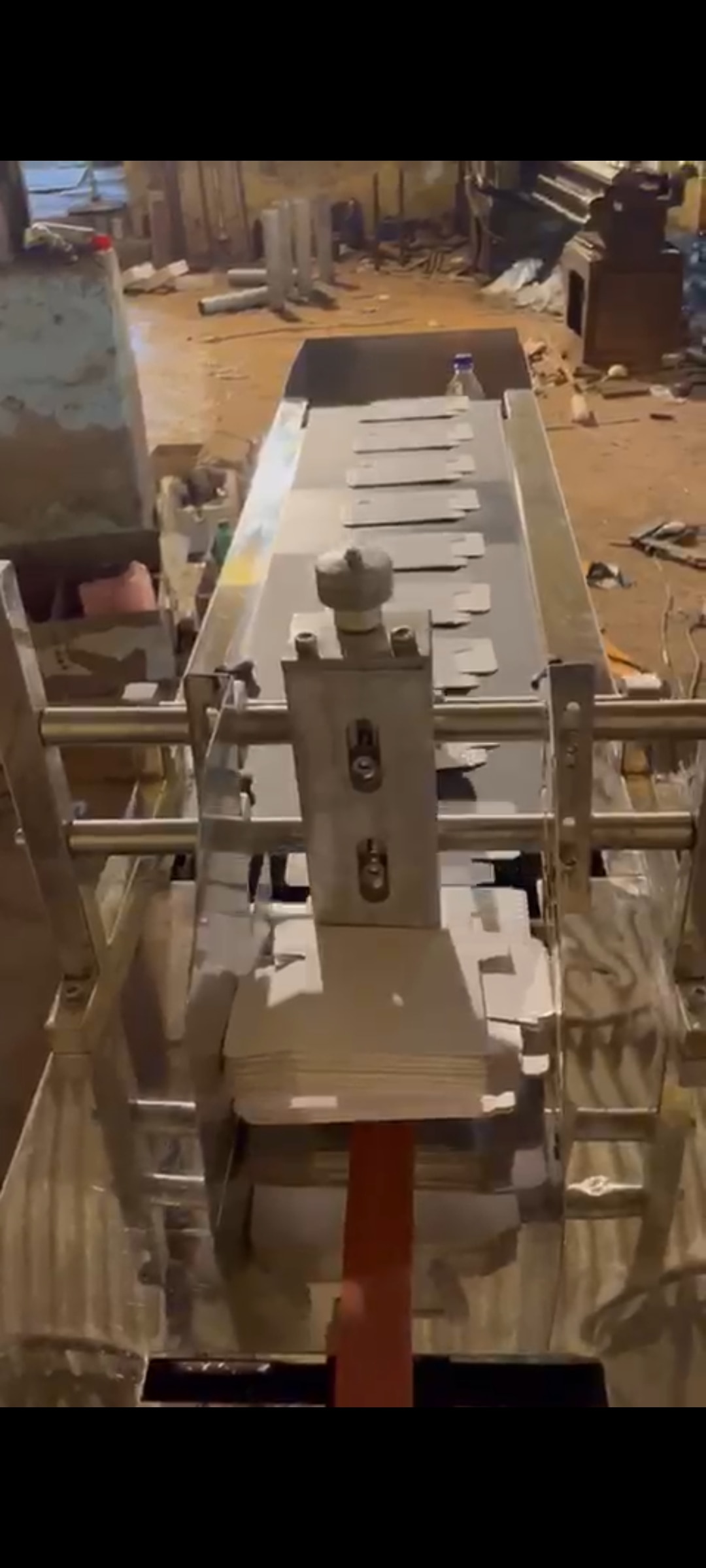 | Material Handling Equipment Stacker Conveyor For Coding And Batch Printing A stacker / destacker conveyor is designed to automatically stack or separate products during material handling operations. View product → |
Frequently asked questions
How do you classify a stacker conveyor coding batch problem?
Classify it as transport, marking, or code association. Transport moves products incorrectly; marking produces an unreadable or wrong code; association assigns the right code to the wrong product.
How can you prove whether the conveyor or coder is losing registration?
Compare encoder pulses, trigger timing, product position, and printed-code position during controlled test runs. A changing product position with stable coder output indicates transport or registration trouble.
What should you verify in the batch job before production?
Check the batch number, date fields, character content, trigger source, encoder scaling, print delay, conveyor speed, and reject logic. Lock approved timing parameters after verification.
What commissioning evidence should you demand before accepting installation?
Request test-run records, approved printed samples, speed and load conditions, encoder and trigger settings, fault history, corrective actions, and sign-off from the responsible installer and operator.
Keywords